What is the Ecom Label Organizer Tool and How Does it Work?
The Ecom Label Organizer Tool is a powerful automation utility designed specifically for e-commerce sellers on platforms like Meesho and Flipkart. Processing hundreds of orders daily can be a logistical nightmare when labels are scattered randomly in a massive PDF file. Our tool takes your combined shipping label PDF, scans the contents using advanced text recognition, and intelligently groups the labels based on the exact product SKUs and delivery partners.
Key Features of Our Label Organizer
Smart SKU Grouping
Our engine extracts exact product SKUs and descriptions from your labels, grouping identical items together so you can pack similar products efficiently in one go.
Partner-Wise Sorting
Easily separate your orders by courier (e.g., Delhivery, Shadowfax, Valmo, XpressBees). This ensures smooth handovers to dispatch riders without manual sorting.
Fuzzy Logic Matching
We use advanced text-matching algorithms to group products with slight naming variations, ensuring 95%+ accuracy in identifying identical items.
Lightning Fast Processing
Process PDFs containing hundreds of labels in just a few seconds. The tool reads, sorts, and rebuilds the documents almost instantly in the cloud.
Detailed Summary Reports
Along with your sorted labels, receive a comprehensive summary PDF detailing the exact counts of each product and the total number of packages per delivery partner.
Secure & Private
Your customer data is completely safe. Files are processed securely and deleted automatically from our servers immediately after you download the sorted PDFs.
Label Sorting Tool perfect for every project.
Pack identical products efficiently.
If you receive 50 orders for the same '80W Charger', our tool groups them together. You can pick 50 chargers from the inventory and pack them sequentially, avoiding costly mistakes.
Get your documents done anywhere.
Manage your PDFs and keep them running on all your screens: desktop, mobile, or web. Steady. Smooth. Simple.
"Common Questions"
Which marketplaces are supported by the label sorting tool?
Will my customer data be saved on your servers?
Does the tool change the barcode or label size?
What is the difference between Product-Wise and Partner-Wise sorting?
How does the tool handle slight differences in product names?
Is this tool free to use?
Ready to explore more?
How to Sort Meesho & Flipkart Labels
Follow these steps to automatically organize your shipping labels by product.
Label Sorting Tool
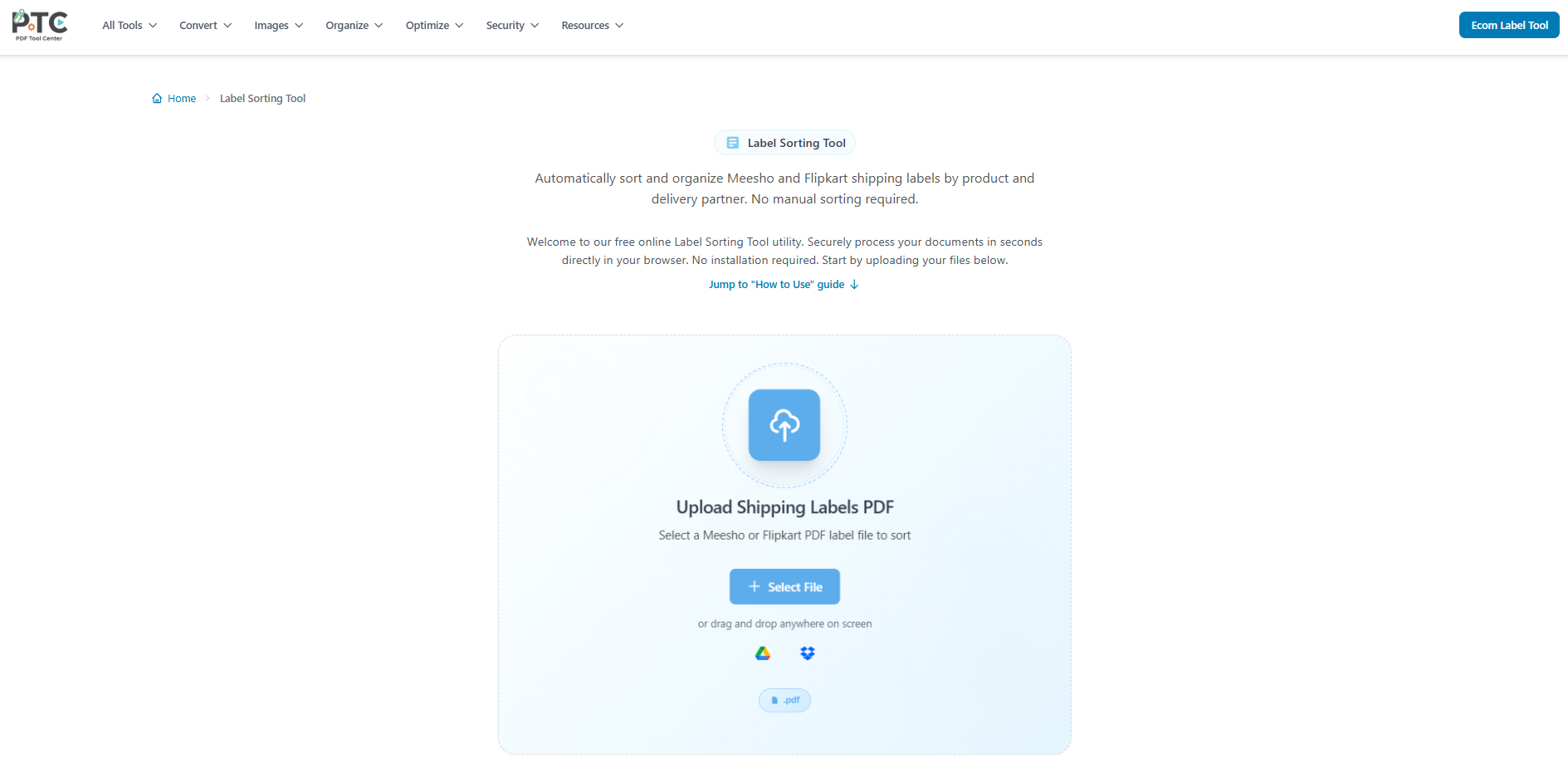
Access the Label Sorting Tool to organize your shipping labels automatically.
Upload Labels PDF
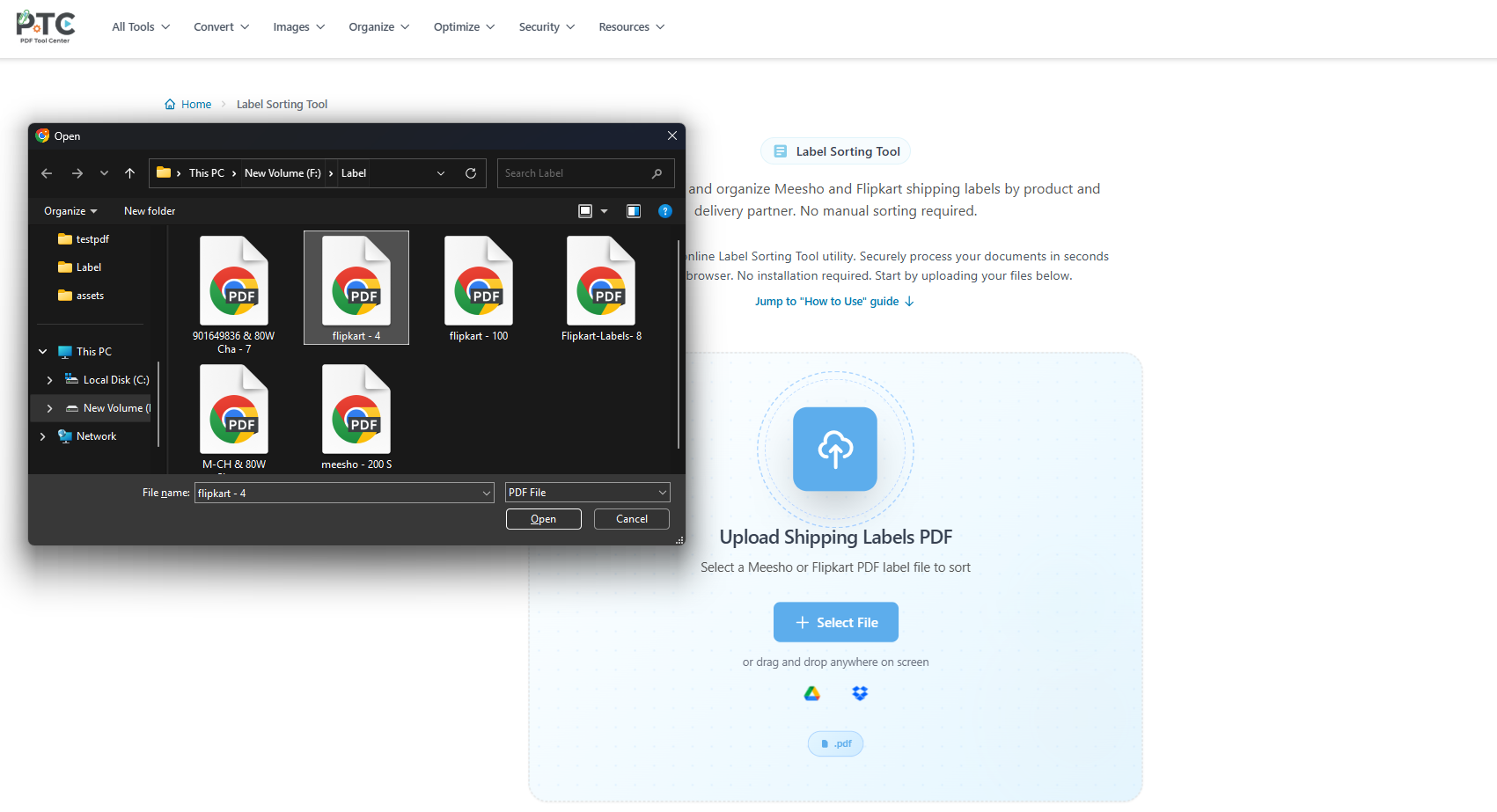
Upload the combined PDF containing your Meesho or Flipkart shipping labels.
Import Options

You can also drag and drop your files or import them directly from Google Drive or Dropbox.
Configure Options
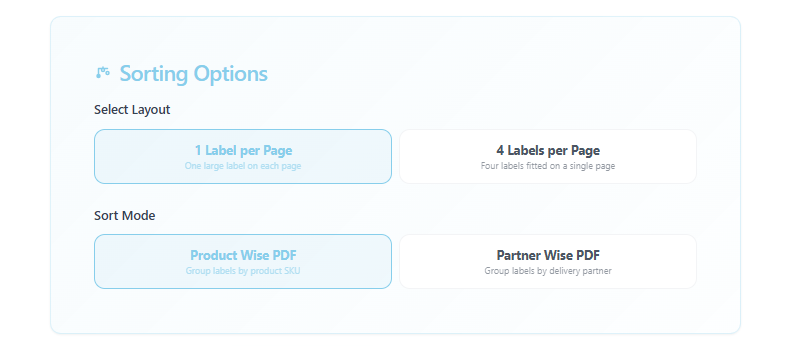
Select your preferred layout and sort mode (Product Wise or Partner Wise).
Start Sorting

Click the 'Sort Labels' button to begin the automated sorting process.
Processing Labels
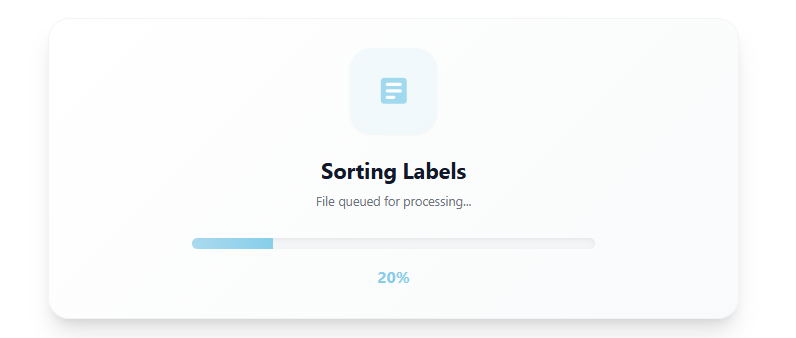
Our system analyzes the labels, automatically extracting data and organizing them.
Download Sorted PDFs
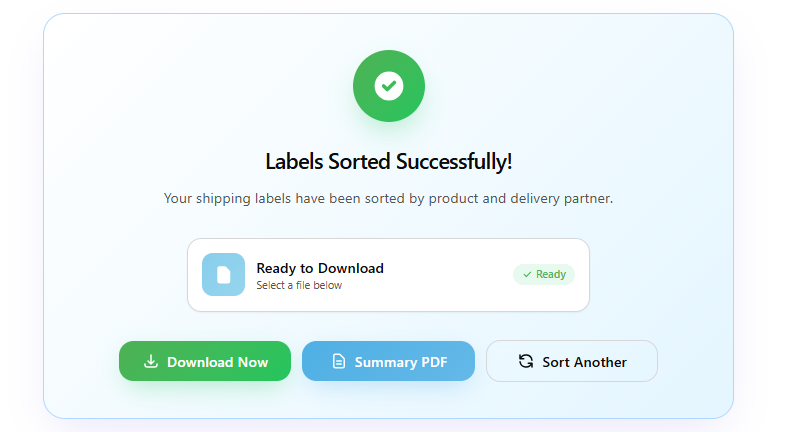
Download your neatly sorted labels along with a summary report for easy dispatching.